
Entrian Solutions: code search and debugging tools for Visual Studio and VS Code
Entrian Source Search
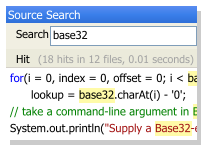
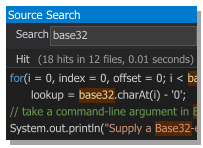
An extension for Visual Studio and VS Code providing instant full-text search of your source code. Fast, powerful, flexible, unobtrusive. Learn more...
| Latest version: | 2.0.3 (download) |
| Recent highlights: | Support for VS Code. Support for macOS and Linux. Updated user interface. (Latest release announcements) |
Entrian Source Search is one add-on I just simply can't live without. The syntax and features are easy to use and I am amazed out how fast and powerful it is. I deal with large, multi-project solutions and don't have the time to weed through the thousands of results returned by visual studio's built-in Find feature. Entrian Source Search should be in every developers list of must-have extensions.
– Scott Cottingham
Entrian Inline Watch
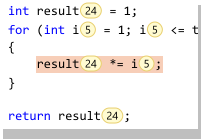
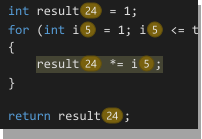
As you debug, Entrian Inline Watch displays the values of variables inline in your source code, updated live as you step through your code. Learn more...
| Latest version: | 1.0.18 (download) |
| Recent highlights: | Support for VS 2026. Show a popup watch window for any expression. Double-click a value to add a Watch. (Latest release announcements) |
Entrian Attach
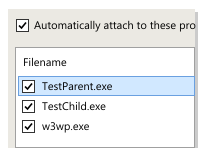
Automatically attach the Visual Studio debugger to any process as it starts, whenever and however it's started. Learn more...
| Latest version: | 1.5.2 (download) |
| Recent highlights: | Support for VS 2026. Option to only attach to one instance of an executable. (Latest release announcements) |
Attach the debugger automatically to processes the moment they start, however they're started. Services, web servers, DllMain, unit tests, setup custom actions, anything you like. Attachment happens directly on process creation, not by polling.